SOLUTION
- Go to Windows Device manager > Multi-port serial adapters.
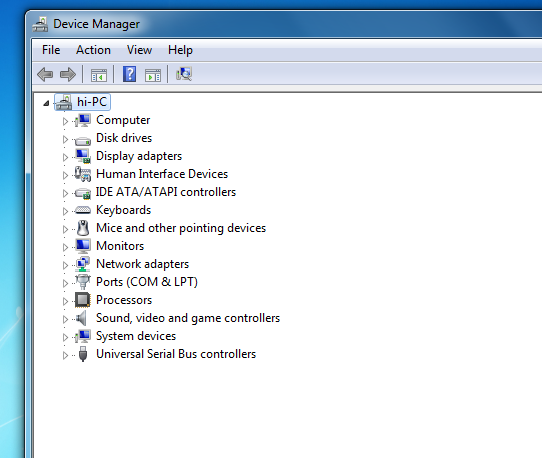
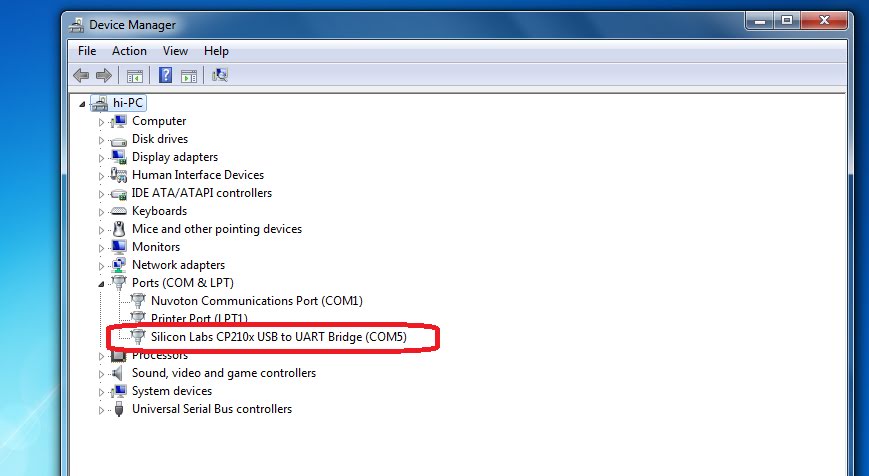
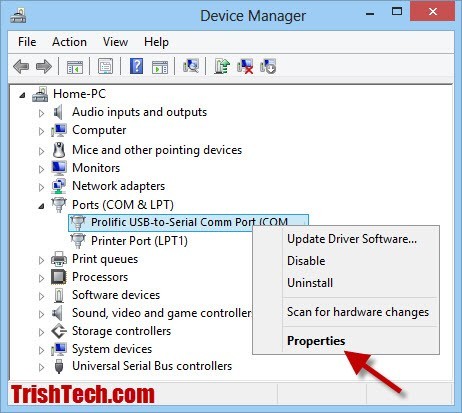
- Select the adapter and right click to open the menu.
- Click on the Properties link.
- Open the Ports Configuration tab.
- Click on the Port Setting button.
- Select the Port Number and click OK.
- Click OK to apply the changes
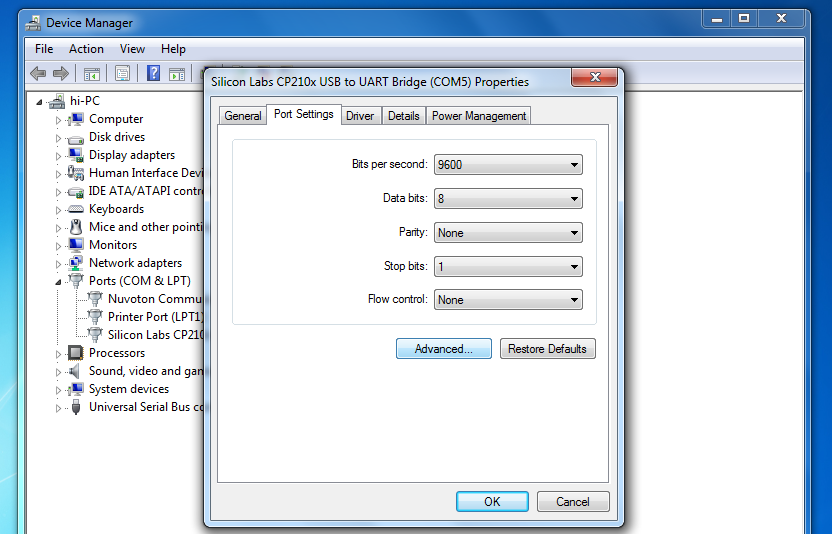
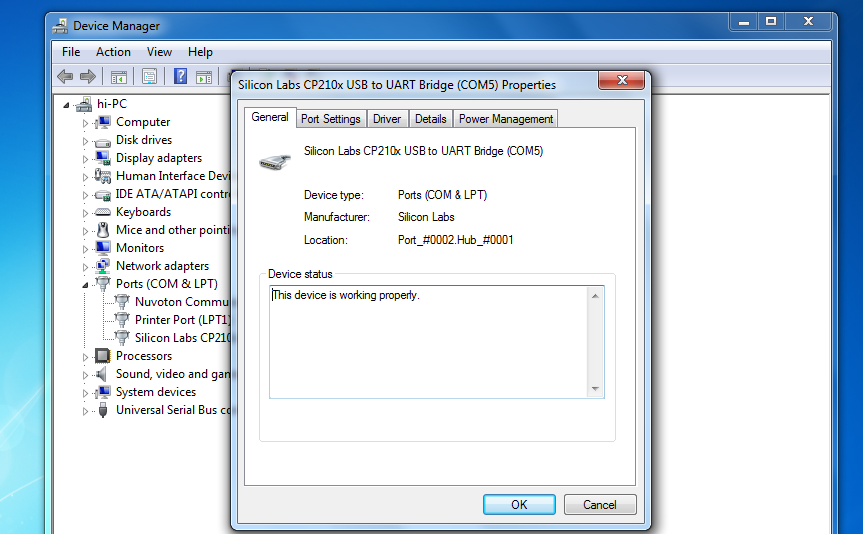
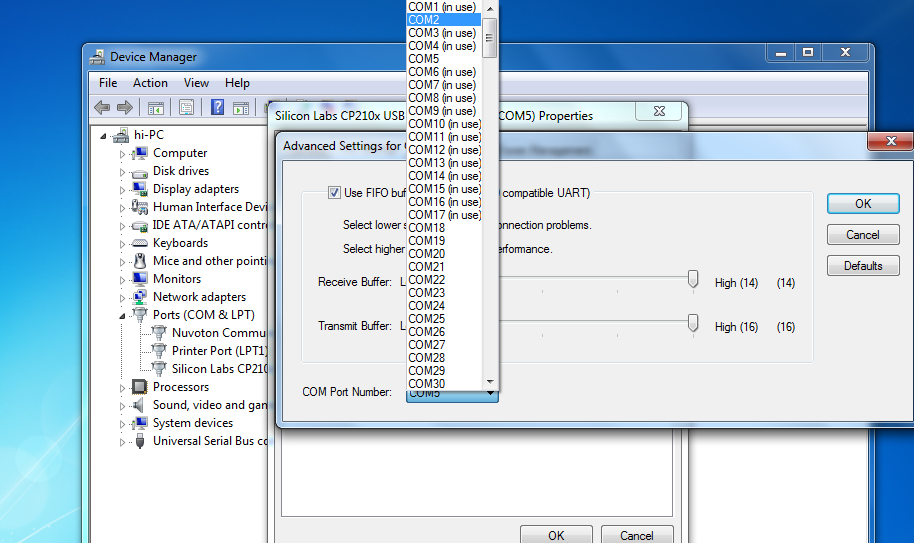
then press ok and restart computer then comes on


No comments:
Post a Comment